Convert: turn a mailbox into PDFs, without starting a project
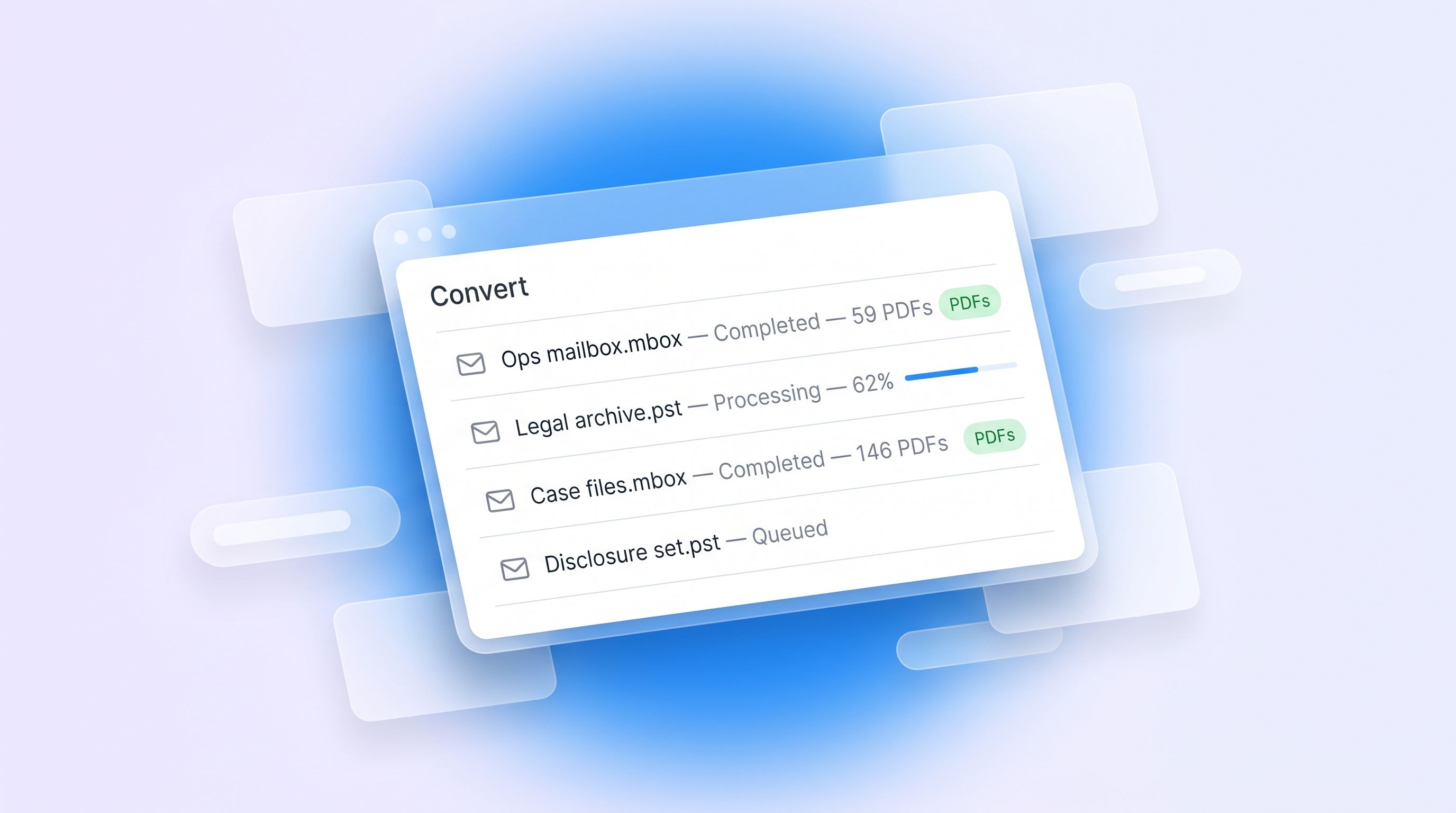
Plenty of the time you don't need to redact anything. You need a mailbox for readable documents: to send to a solicitor, to file, or to hand to someone who will never log into RedactBox.
Until now, that meant creating a project and working through a redaction flow you didn't want. Convert skips all of it.
How it works
Open Convert from your dashboard, drop in your files, and start the job. Every message becomes its own PDF, named by date and sender so the output sorts itself. Attachments come out in their original format — a spreadsheet stays a spreadsheet — saved in a folder beside the message they came from.
It runs in the background. Close the tab if you like; we'll email you a download link when it's finished, and the job page tells you which item it's on while it works.
It also flattens PDFs
Same tool, second job type: give it a PDF with form fields, annotations or layers and it burns them into the page, so nothing can be lifted back off.
What you get
A PDF per message, dated and sender-named
Attachments in their original format, beside their message
An attachment list inside each message PDF, with a copy embedded
One zip, downloadable for 7 days
Limits
Free: one file per job, up to 50 MB. Professional: up to 100 files per job, 3 GB each. Archives of several thousand messages are the normal case, not the stress case.
Worth saying plainly: Convert doesn't redact. It reproduces your messages faithfully, personal data included. If you need redaction, use a project.