Redact Anything — New Area-Based Redaction Tool
New: Area-Based Redaction
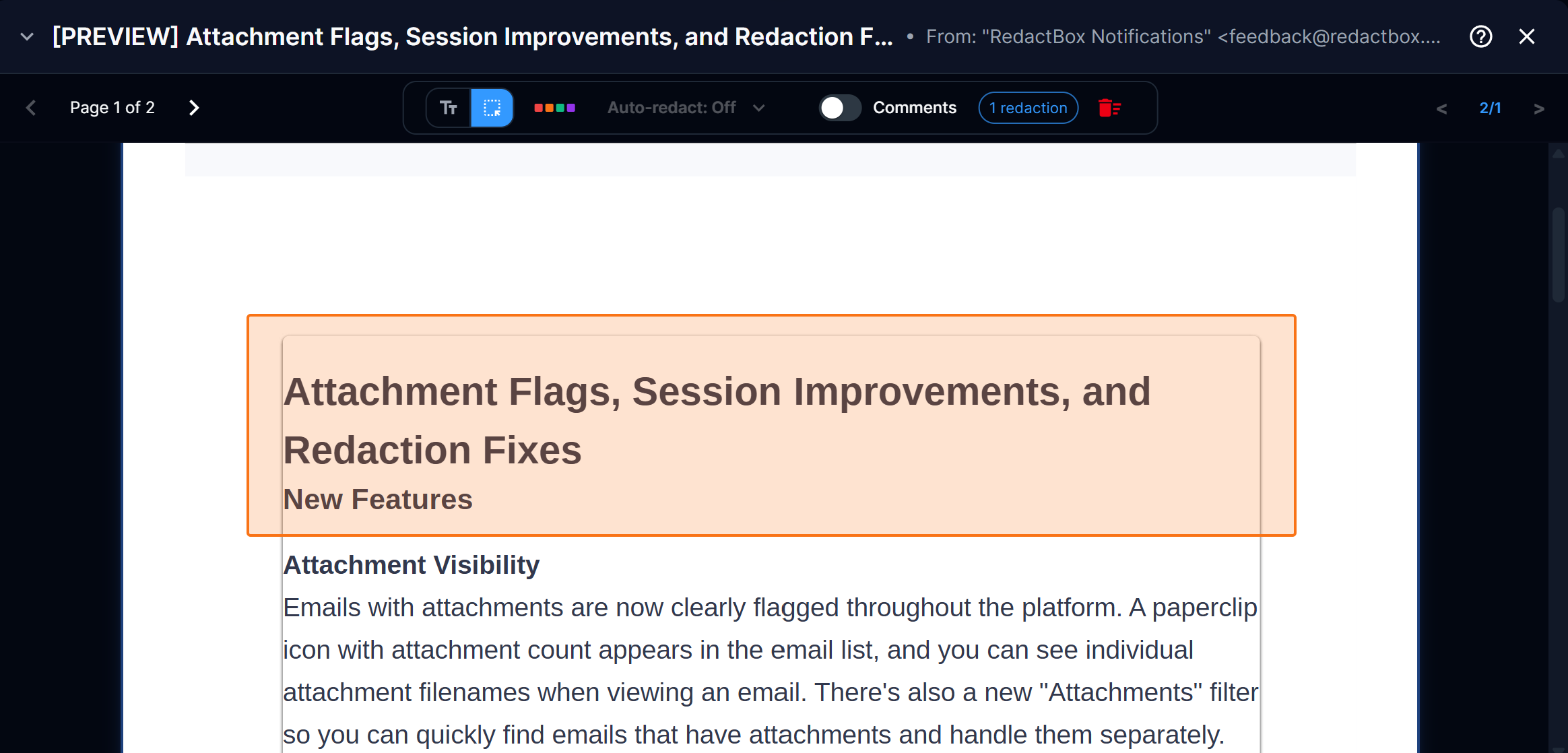
Not everything in a document is selectable text. Scanned pages, embedded images, signatures, logos, and handwritten notes — until now, these couldn't be redacted. With area-based redaction, you can draw a rectangle over any part of the page to mark it for removal, without selecting any text.
Draw to redact — Click and drag to draw a rectangle over any part of the document, regardless of whether it contains selectable text
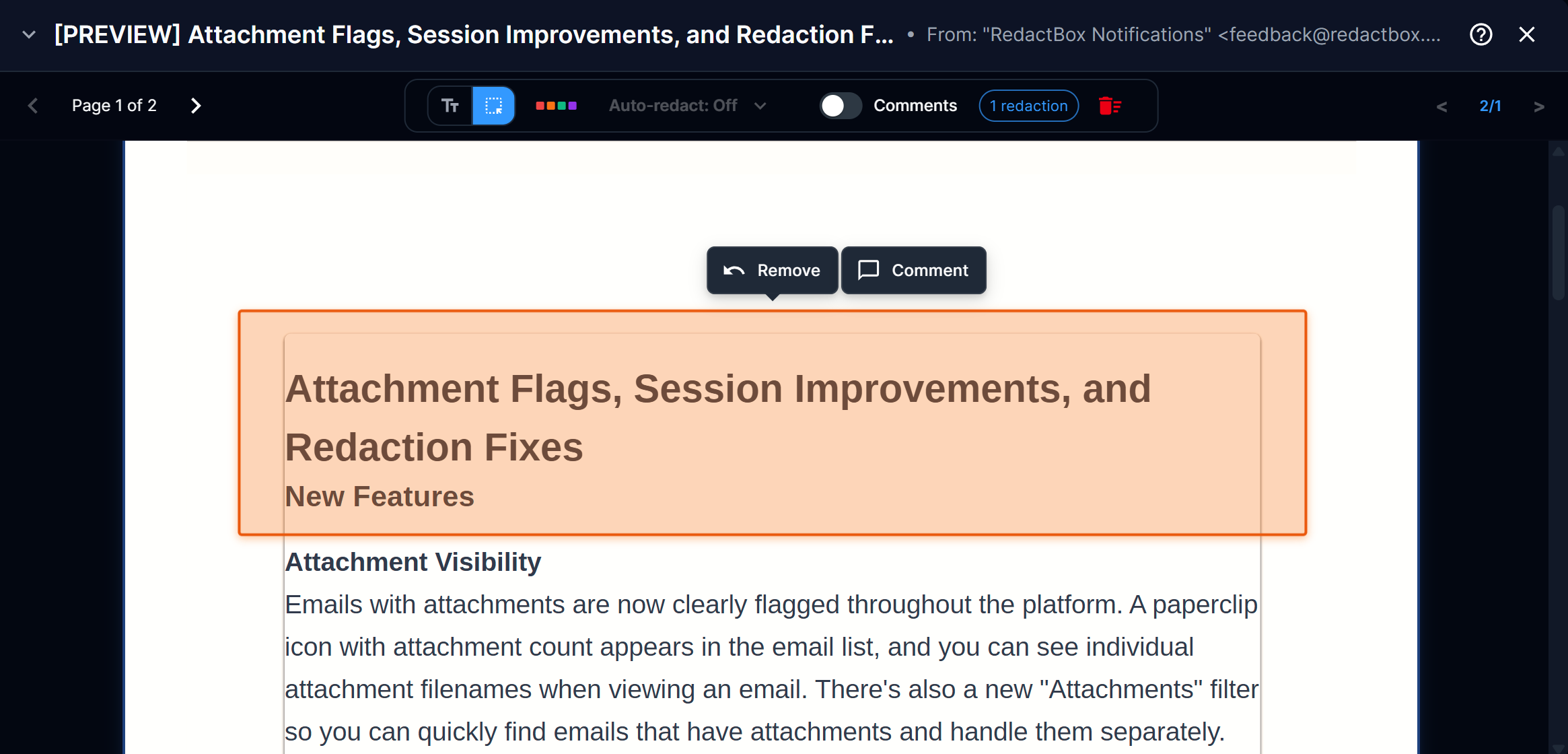
Orange highlight — Area redactions appear with a distinct orange overlay in previews, making them easy to distinguish from text-based redactions
Keyboard shortcuts — Press A to switch to area mode and T to switch back to text selection mode while in Redact view
Tool mode remembers your choice — Your selected mode stays active as you navigate between emails, so you don't have to keep switching back when redacting areas across multiple items
Solid black in exports — All redactions, including area-based ones, render as solid black bars in the final exported PDF
When to use it
A parent submits a Subject Access Request for their child's educational records. The school exports the relevant emails, but they're full of content that needs redacting before disclosure — scanned handwritten teacher notes attached to emails, photos embedded in safeguarding reports, other children's names appearing in screenshot images of the school's MIS system, and a staff member's signature block with a personal mobile number.
None of that is selectable text, so the standard text redaction tool can't touch it. With area-based redaction, you press A to switch to area mode and start drawing rectangles — over the handwritten notes mentioning other pupils, over the photo in the safeguarding email, over the MIS screenshot showing other children's data, over the signature with the personal number. As you navigate through each email, the tool stays in area mode, so you can work through the batch without interruption. When you reach the typed emails, press T to switch back to text selection, then use Search & Redact to catch any remaining names throughout the project. Everything exports with solid black bars, ready for disclosure.
Check out our help centre for instructions on how to use Area Redaction!
https://help.redactbox.co.uk/en/articles/7805395-area-redaction