Redact Attachments
New
We now support attachments! This is a highly requested and unique feature.
New projects include attached files in their exports. A project created before this release keeps exporting only its messages until its owner turns on Include attached files in exports in Project settings.
Files sit under their message
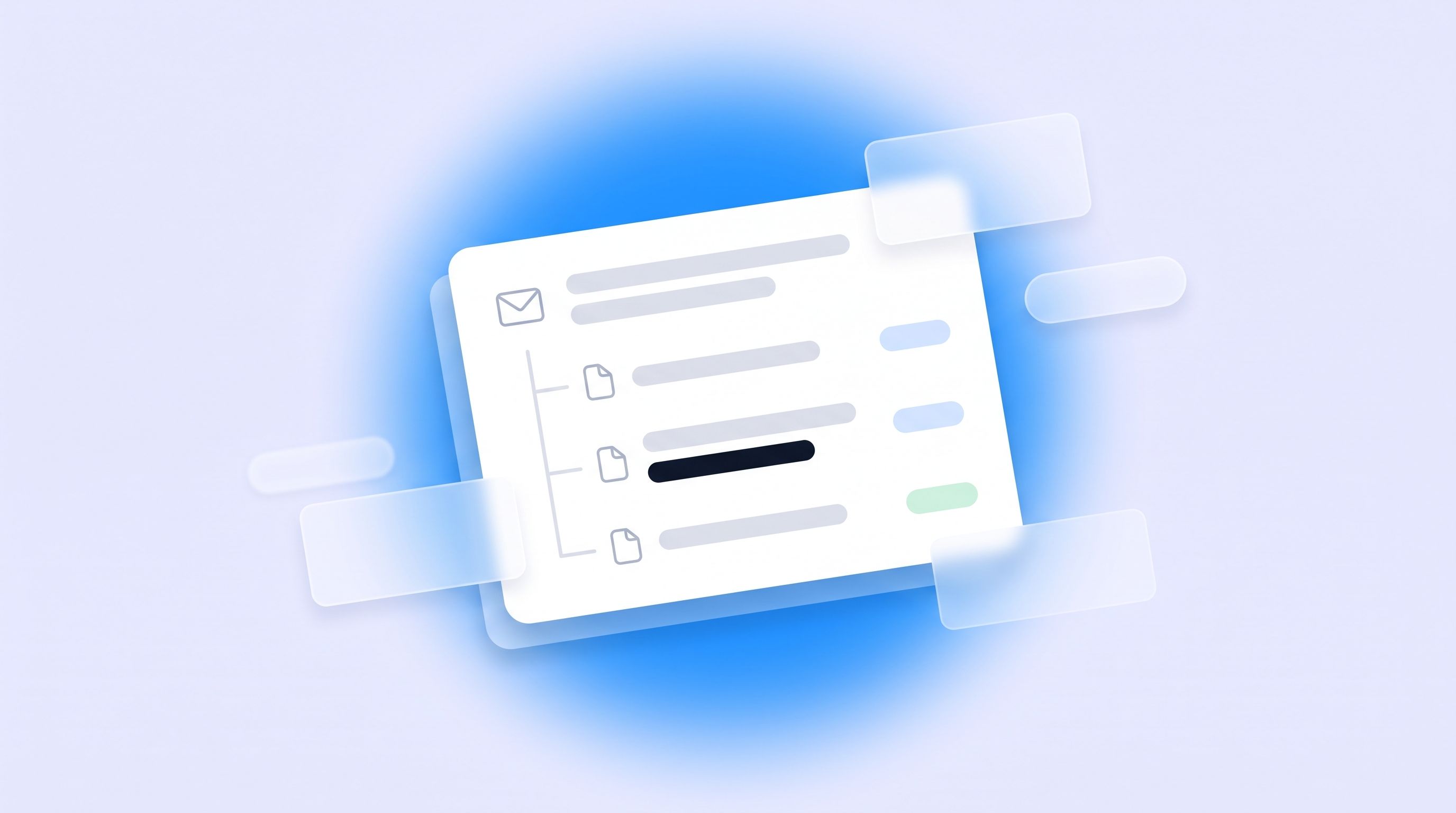
Open a message in Triage or Redact and its files are listed beneath it. You decide on the message, and the files follow.
Goes with its message. Approve the message and its files are in the export. Trash it and they are out.
Leave out, or keep. Leave out a file you don't need, or keep one whose message you trashed. A kept file is exported with its own mailbox.
Kept once. A letter attached to 37 messages is redacted once and exported beside the earliest approved message. The other copies read as duplicates.
Status on every row. Preparing for a PDF or Converting for Word, Excel and pictures, then Ready to redact, or the reason it can't be. A closed message still says what its files are doing.
Junk set aside. Signature logos, tiny pictures, invites and copies of the message text are set aside so they don't crowd the list.
See a file before you decide
Deciding on a message used to mean approving it without seeing what was attached. In Triage, PDFs, pictures, Word documents, spreadsheets, CSV and text files now open read-only on a tab beside the message, before anything is approved. Anything else says it needs converting, and Convert now shows it without adding it to the export.
Redact files in tabs beside the message
Each attached file opens as its own tab next to the Message tab. Conversion starts within seconds of approving a message, and the words you redacted with Search & Redact, word lists and People are already covered when a file opens.
Enter works through everything. It reviews the message, then each of its files in turn, then moves on.
Pictures and scans are held back. A photo or a scanned letter has no text for your redactions to reach, so it stays out of the export until someone has looked at it.
Locked and damaged files
Unlock a PDF. Enter its password on the file's tab. RedactBox uses it once and keeps nothing.
Try again. A file that couldn't be converted or prepared can be tried again.
Named before you export. Files that can't go in the export are listed by name on the Export screen.
Attachments in the export
Each file now sits beside its message in the ZIP, under a readable name ending in "attachment 1" and its type. Every message PDF ends with an Attached files page that links to each file once the ZIP is extracted.
Improved
Tools › Attachments. Every file in the project once, with filters, decisions on many at once, and unlock from the file's panel.
People and identifiers reads converted attached files and the name columns of spreadsheets.
Search & Redact searches converted attached files and tells you how many it couldn't search.
More kinds of file convert. RTF, the attachments of uploaded .msg files, and messages attached to messages.
Fixes
A file shared by two messages shows each message's own name for it.
Deleting a mailbox removes its converted files, and keeps any that another mailbox shares.
Large spreadsheets get the time they need to convert, and say why if they still can't.
Full guidance lives in our Knowledge Centre: https://help.redactbox.co.uk/en
As always, hit the feedback portal to tell us what is missing or what could be sharper: https://feedback.redactbox.co.uk/