Search & Redact - Major Feature Release
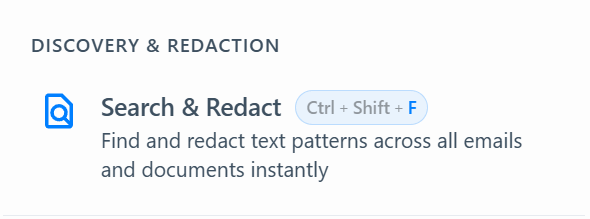
New: Search & Redact
Our most requested feature is here. Search for any term across your entire project and redact every match with a single click.
Search a single email or search across all emails in your project
See exactly how many matches are found before you redact
Bulk redact all matches across thousands of emails in one operation
Real-time progress tracking shows you exactly what's happening
10-second undo after every redaction - just in case
Case sensitivity toggle - choose between case-sensitive or case-insensitive matching
Whole word matching - search for "John" without matching "Johnson"
Search history - your recent searches are saved for quick reuse
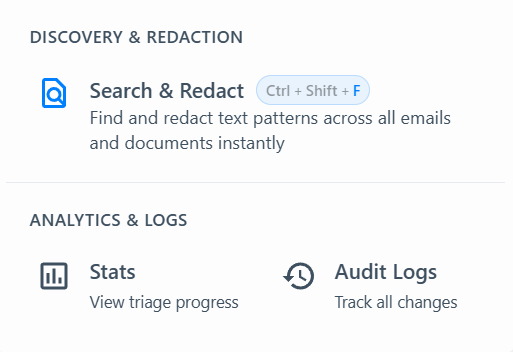
New: Redesigned Header & Tools Menu

Cleaner layout with a clear step-by-step workflow indicator
Search & Redact is front and centre in the header
New Tools menu in the workflow bar for quick access to Search & Redact
Keyboard shortcuts: Ctrl+Shift+F for Search & Redact
New: Email List Filter

Quickly filter your email list by sender, subject, or any keyword with Ctrl+F
Improved: File Management
You can now delete documents directly from your project
Better handling of stuck or failed uploads
Improved: UI Polish
Full dark mode support across the Search & Redact dialog
Cleaner settings page
Various visual improvements throughout the app
Improved: Auto Redact Reliability
Improved text matching accuracy - searches now find matches that span across line breaks and text boundaries
Better handling of special characters, smart quotes, and unicode text
Whole word matching option to avoid false positives (e.g. search "John" without matching "Johnson")
Faster search performance across large email projects with database-level optimisations
Added automated accuracy testing to catch regressions early
We're getting closer to removing the BETA label from bulk redaction - stay tuned